



- 1
- 2
- 3
- 4
- 5
- next page
Buying a Microsoft Surface used: practical advice for second-hand shoppers
Buying a Microsoft Surface used: practical advice for second-hand shoppers
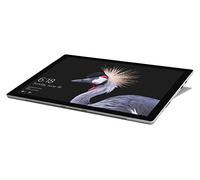
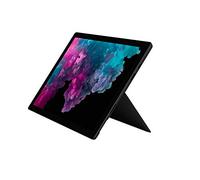
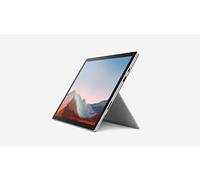
If you are searching for a Microsoft Surface used device to save money or get a recent model at a lower price, this guide will help you compare options and avoid common pitfalls. For an overview of available models and current offers, see the Microsoft offers on pricehunter.co.uk, which lists new and used prices from multiple shops.
What a Microsoft Surface device is and which everyday needs a used Surface can cover
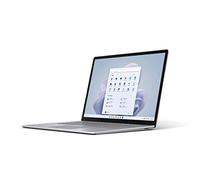
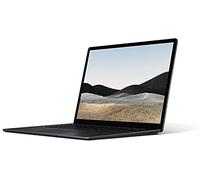
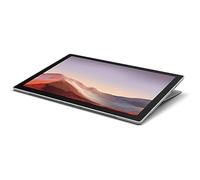
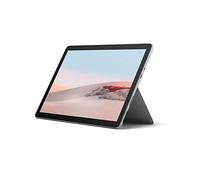
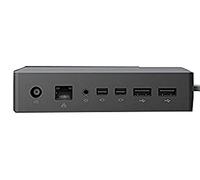
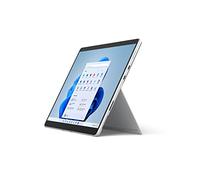
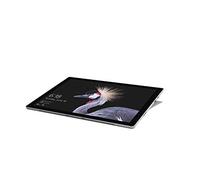
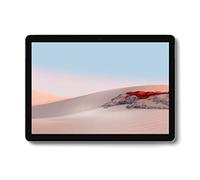
The Microsoft Surface range includes tablets, 2-in-1 detachable laptops and lightweight laptops designed for mobile productivity and media consumption. A Microsoft Surface used is suitable for daily tasks such as web browsing, email, office work, video calls and light photo editing. Depending on the model and configuration, second-hand Surfaces also work well for students, remote workers and people who prioritise portability and build quality over the absolute latest performance.
Why you should understand the difference between used, refurbished and guaranteed Surface devices before buying
Used, second-hand and refurbished describe different seller conditions. A used Surface is typically resold after personal use and may have wear, while a refurbished unit has usually been inspected, repaired and tested by a shop or specialist to meet a stated standard. Refurbished devices often include some form of warranty or return window, whereas private sales usually do not. Consider advantages and possible disadvantages carefully: refurbished items can lower risk, but used items can be cheaper if you accept more variability in condition.
- Cosmetic condition: check for screen scratches, chassis dents and keyboard wear.
- Functionality: verify touchscreen, ports, Wi‑Fi, cameras and sensors work correctly.
- Battery health: batteries degrade over time — ask about battery cycle count or expected battery life.
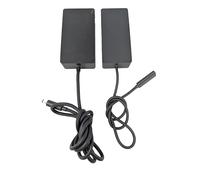
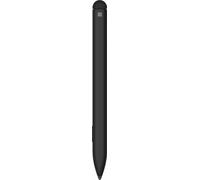
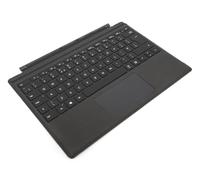
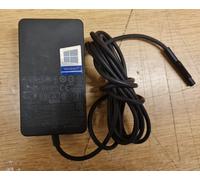
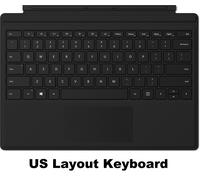
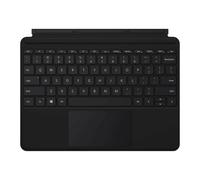
- Included accessories: note whether chargers, keyboards and pens are included or need replacement.
- Warranty and returns: prefer offers with at least a short-term guarantee or a clear returns policy.
How buying a used Microsoft Surface can save you money and where the savings usually come from
Opting for a Microsoft Surface used often reduces cost by a significant margin compared with buying new, especially for last-generation models that still meet your needs. Savings come from accepting cosmetic wear, shorter remaining warranty periods or older internal components while keeping the main benefits of the Surface design. To make the purchase cost-effective, balance price against expected remaining lifespan and potential additional costs such as a new charger or battery replacement.
How to compare Microsoft Surface used offers efficiently using pricehunter.co.uk
Use pricehunter.co.uk to compare new, used and refurbished Surface offers from multiple retailers at a glance. Apply filters for condition (used, refurbished), storage, RAM and seller warranty to narrow results. Compare total price including shipping and look for transparent condition descriptions and return policies. Price comparison helps you identify the best value and avoid overpaying for similar models with different cosmetic or warranty conditions.
Note: This text was created with the help of AI.
How well did the information meet your expectations and assist you further?
 Not at all

 Neutral

 Very much