

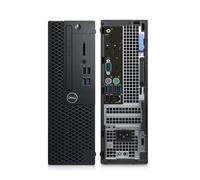
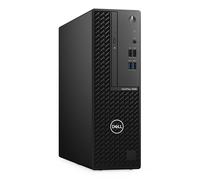
- 1
- 2
- 3
- 4
- 5
- next page
Buyer's guide for Dell Desktop used models: what to consider before you buy
Buyer's guide for Dell Desktop used models: what to consider before you buy
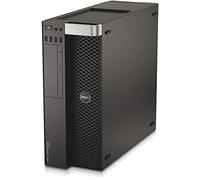
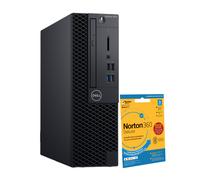
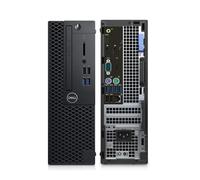
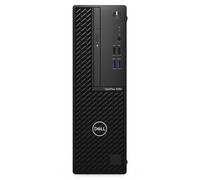
When searching for a Dell Desktop used you are likely looking for a dependable desktop at a lower price than new models. To see the range of current second‑hand and refurbished Dell options, visit the Dell offers on pricehunter.co.uk where listings and basic specifications are collected for easy comparison.
Understand the Dell desktop category and which used desktop PCs suit everyday needs
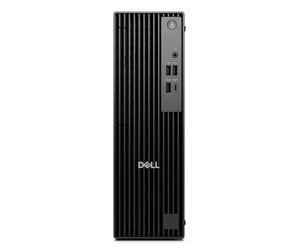
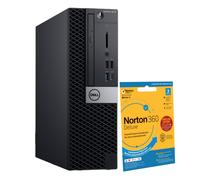
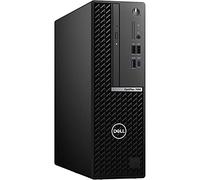
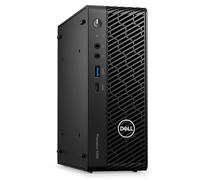
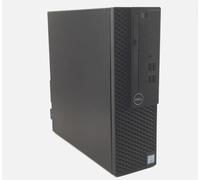
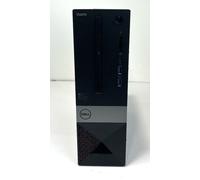
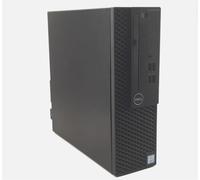
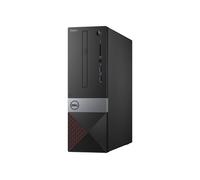
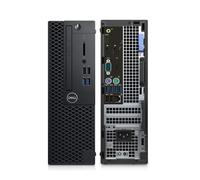
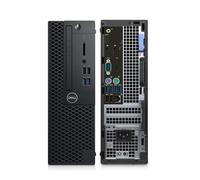
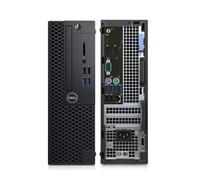
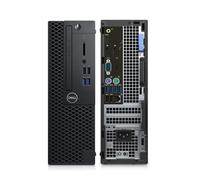
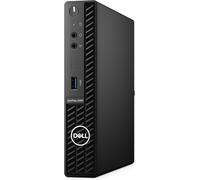
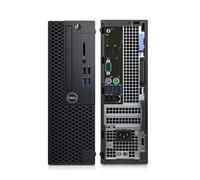
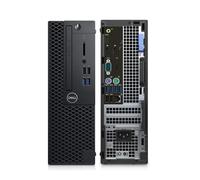
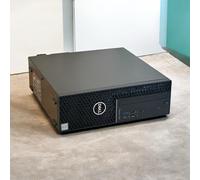
A Dell Desktop used refers to tower, small form factor or all‑in‑one desktop PCs formerly owned or sold as refurbished. These desktops are suitable for a variety of needs: daily office work, home schooling, web browsing, light multimedia, and many business or education uses. For a broader selection of form factors and classes, check the Desktop PCs category on pricehunter.co.uk to compare specs like processor generation, RAM, storage type and case size. Second‑hand Dell desktops often allow simple upgrades (more RAM, SSD) to extend service life and improve performance for specific tasks.
Know the differences between used, second‑hand and refurbished Dell desktops before purchase
Used and refurbished labels are often similar but important to distinguish. Used (second‑hand) usually means previously owned and sold as‑is; refurbished typically indicates inspection, repairs and testing to restore functionality, sometimes with a limited warranty. Advantages of buying used include cost savings and access to proven business‑grade models. Disadvantages can include shorter remaining lifespan, cosmetic wear, or missing accessories.
- Cosmetic condition — check photos and descriptions for dents, scratches or missing panels.
- Functionality — verify the operating system, boot behaviour, and that ports, fans and optical drives work.
- Parts subject to wear — hard drives, power supplies and cooling fans may be older; ask about SSD upgrades or replacements.
- Included accessories — confirm whether keyboard, mouse, cables and recovery media are included.
- Warranty and return policy — look for any seller or refurbisher guarantee and its duration.
Consider price and saving opportunities when selecting a Dell Desktop used unit
Buying a used Dell desktop can be cost‑effective because you pay less for hardware that still meets everyday needs. Savings are often strongest on business and enterprise models which were built to last. To maximise value, compare prices across retailers and refurbished shops and consider the total cost including any planned upgrades like adding RAM or replacing an HDD with an SSD. Balance upfront savings with potential future expenses.
Use pricehunter.co.uk to compare used Dell Desktop prices and make an informed choice
pricehunter.co.uk helps you compare new and used Dell Desktop offers by aggregating listings from multiple shops and refurbishers. Use filters for condition (used, refurbished), processor class, RAM and price range to narrow choices. The comparison view highlights price differences and lets you quickly assess value and transparency in descriptions so you can select the best second‑hand or refurbished Dell Desktop based on budget and required performance.
Note: This text was created with the help of AI.
How well did the information meet your expectations and assist you further?
 Not at all

 Neutral

 Very much