


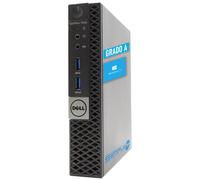
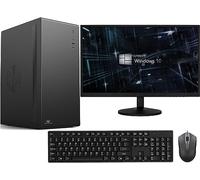
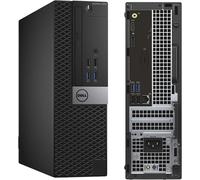
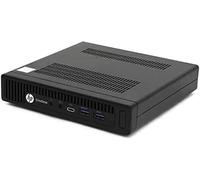



- 1
- 2
- 3
- 4
- 5
- next page
Desktop computer buying guide: how to choose the right desktop computer for your needs
Desktop computer buying guide: how to choose the right desktop computer for your needs
When you search for a "desktop computer" you are usually looking for information about performance, price and reliability before making a purchase. Whether you want a new, used or refurbished system, comparing offers can help you find the best value — for a curated list of options see the Desktop PCs offers on pricehunter.co.uk to start comparing specifications and prices from multiple retailers.
A desktop computer is a full-size personal computer suitable for work, study, multimedia and gaming
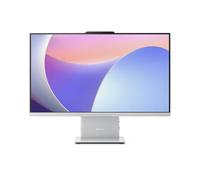
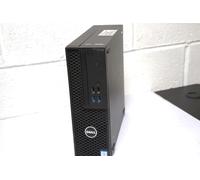
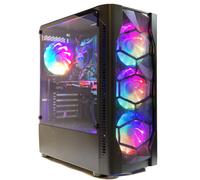
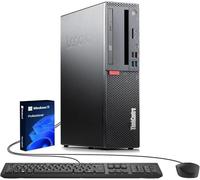
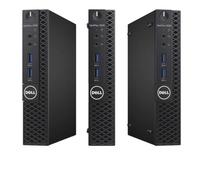
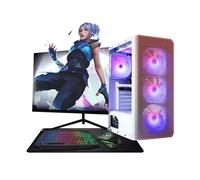
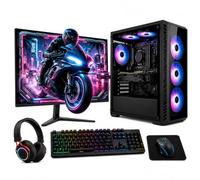
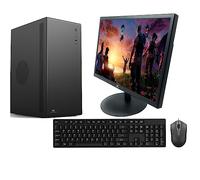
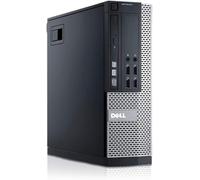
Desktop computers are tower or small-form-factor PCs designed for stationary use. They are suitable for a wide range of needs: office productivity, photo and video editing, home entertainment, and gaming. A typical decision factors in the processor class, amount of RAM, storage type (SSD vs HDD), and whether a dedicated graphics card is required. Desktop PCs often offer easier upgradeability than laptops, so a second-hand system may be upgraded with more memory or a newer GPU to extend its useful life.
What to know about used, refurbished and guaranteed desktop computer options before purchase
Used and refurbished desktop computers differ in their preparation and guarantee. A used or second-hand desktop computer is sold as-is by a previous owner or retailer; a refurbished desktop has typically been inspected, repaired if necessary, and tested to meet specific standards before resale. Refurbished units often include a limited warranty from the refurbisher or shop, while second-hand sales may have minimal protection.
- Cosmetic condition: Check for dents, scratches and missing panels.
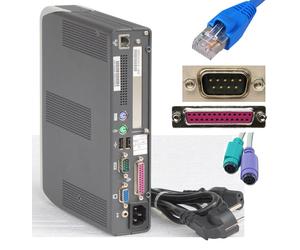
- Functionality: Verify boot-up, operating system activation, ports and connectivity.
- Parts subject to wear: Inspect fans, power supply, and hard drives for health (HDD age, S.M.A.R.T. status).
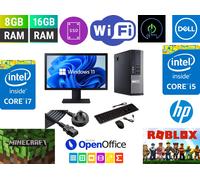
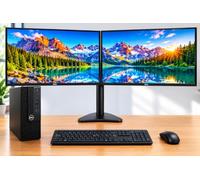
- Included accessories: Confirm power cables, monitors, keyboard and mouse if bundled.
- Warranty and return policy: Note the length and coverage of any guarantee or return window.
- Software and licenses: Check whether the operating system license transfers with the unit.
- Seller reputation: Consider retailer or refurbisher reviews and ratings.
How buying a used or refurbished desktop computer can lower your costs while meeting performance needs
Purchasing a used desktop computer is often more cost-effective than buying new because desktops depreciate quickly while remaining capable for many tasks. A refurbished desktop can deliver additional peace of mind through inspection and warranty coverage. Savings are most significant when you prioritise total cost of ownership: compare initial price, possible upgrade costs, and expected lifetime. Keep in mind potential drawbacks such as shorter warranty periods or older components that may require future replacement.
How to compare desktop computer offers and prices effectively using pricehunter.co.uk
Price comparison makes it easier to weigh new, used and refurbished desktop computer offers. Use filters to narrow results by condition (used/refurbished), processor family, RAM, storage type, and seller ratings. Check the full price including shipping and any extras, and compare warranty or return terms between shops. Pricehunter.co.uk aggregates offers to make the comparison transparent, helping you spot the best value and avoid unexpected costs when buying a desktop computer second-hand or refurbished.
Note: This text was created with the help of AI.
How well did the information meet your expectations and assist you further?
 Not at all

 Neutral

 Very much