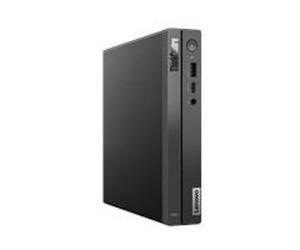
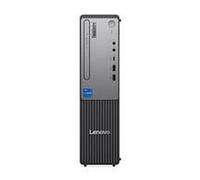
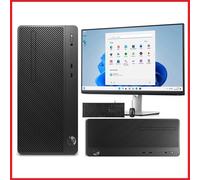
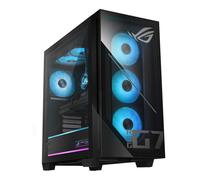
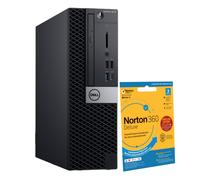
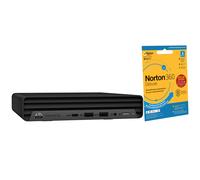
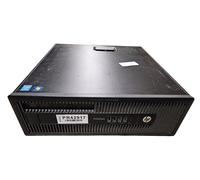
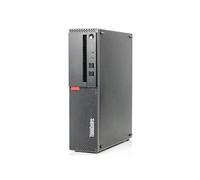

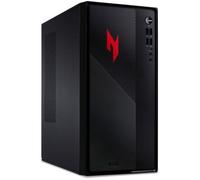


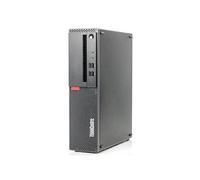
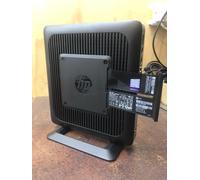
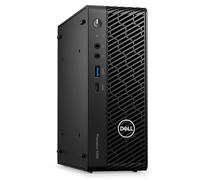
- 1
- 2
- 3
- 4
- 5
- next page
Desktop PC buying advice for used and refurbished models
Desktop PC buying advice for used and refurbished models
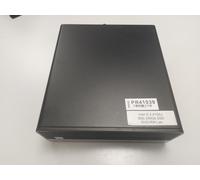
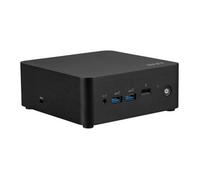
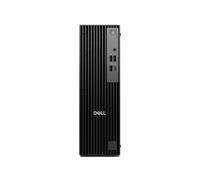
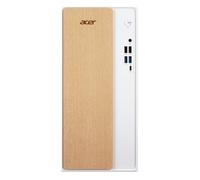
When people search for a desktop pc they are usually trying to find a reliable, upgradeable computer for home, office or entertainment use — often at a better price than a new machine. To explore a wide selection of both new and second-hand systems, check the Desktop PCs offers on pricehunter.co.uk where you can compare specifications, conditions and prices across multiple retailers and sellers.
Understanding what a desktop pc is and which everyday needs it suits.
A desktop pc is a stationary computer designed for tasks that range from basic web browsing and office work to demanding creative workloads and gaming when configured accordingly. Desktop systems usually offer easier upgrades and better cooling than laptops, making them suitable for users who value performance, customisability and long-term maintenance. Whether you need a compact unit for a small workspace, a mid-range machine for remote work, or a powerful rig for content creation, desktop PCs are available in many form factors and specifications to match those needs.
What to know about used, refurbished and guaranteed desktop pc purchases.
Used and refurbished desktop PCs are cost-effective alternatives to buying new, but they differ in condition and support. Used (second-hand) units are typically sold as-is by previous owners or retailers, while refurbished machines have been tested, repaired if needed, and returned to a saleable state by professionals — often with a limited warranty. Refurbished devices usually offer greater reliability and clearer return options than purely second-hand purchases.
- Cosmetic condition: Check for dents, scratches and missing panels.
- Functionality: Confirm the operating system, boot behaviour and that ports and drives work.
- Parts subject to wear: Inspect fans, hard drives and power supplies; ask if storage has been replaced with an SSD.
- Included accessories: Note whether cables, keyboards, mice or original packaging are supplied.
- Warranty and return policy: Verify the length and coverage of any guarantee from the seller or refurbisher.
How buying a used desktop pc can be cost-effective and where savings come from.
Choosing a used or refurbished desktop pc often reduces the purchase price significantly compared with a new equivalent, because older models lose their retail premium while remaining perfectly capable for many tasks. Savings arise from reduced depreciation and the availability of certified refurbished units that include testing and limited warranties. To make a smart purchase, balance the lower price against potential upgrade costs (memory, storage) and expected lifespan — sometimes a slightly higher investment in a refurbished unit with warranty yields better value than the cheapest second-hand option.
How to compare desktop pc prices and offers on pricehunter.co.uk step by step.
Pricehunter.co.uk aggregates offers from multiple shops and sellers so you can compare desktop pc prices, conditions and delivery terms side by side. Use filters to narrow results by condition (used, refurbished, new), processor class, RAM and storage, and sort by price or relevance. Read seller descriptions carefully and check warranty information. Comparing offers transparently helps you identify the best match for your budget and needs without having to visit many individual retailers.
Note: This text was created with the help of AI.
How well did the information meet your expectations and assist you further?
 Not at all

 Neutral

 Very much