



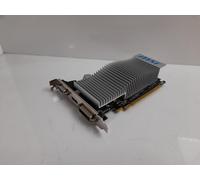
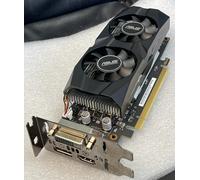
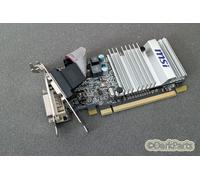

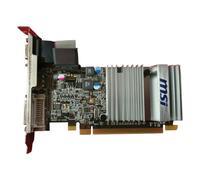
- 1
- 2
- 3
- 4
- 5
- next page
Buying graphics cards: a practical guide to choosing new, used and refurbished GPUs
Buying graphics cards: a practical guide to choosing new, used and refurbished GPUs
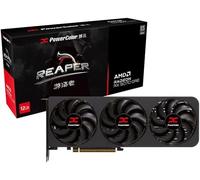
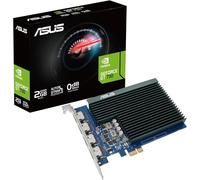
When users search for "graphics cards" they are usually looking for options to improve gaming frame rates, accelerate creative work, or replace a faulty GPU at a good price. If you want to browse current listings and compare models across retailers, check the graphics cards deals on pricehunter.co.uk to see both new and pre-owned offers and learn typical price ranges.
What graphics cards are and which uses they suit for gaming, design and everyday computing
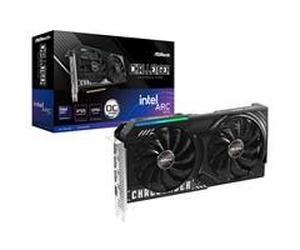
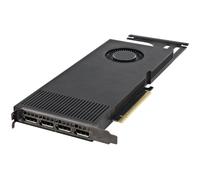
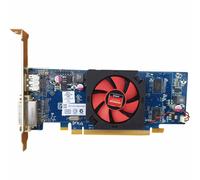
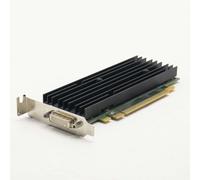
Graphics cards (also called GPUs) are expansion cards that handle image processing and rendering for displays, games, 3D work and hardware-accelerated tasks such as video encoding. They are suitable for a range of needs: gaming and high-refresh displays, creative workloads like video editing and 3D modelling, and general desktop acceleration for multi-monitor setups. When choosing a card, consider compatibility with your PC case, power supply and CPU to avoid bottlenecks.
How to understand the differences between used, refurbished and second-hand graphics cards before buying
Used and refurbished graphics cards are alternatives to buying new, but they differ in how they are prepared and guaranteed. A used card is typically sold as-is by a previous owner, while a refurbished card has been inspected, repaired if necessary and tested by a shop or service provider. Refurbished units often include a limited warranty from the retailer, whereas second-hand items may not. Advantages of buying pre-owned include lower prices and access to discontinued models; disadvantages include reduced warranty coverage and potential wear from previous use.
- Cosmetic condition: Check for physical damage, bent fins or dust accumulation.
- Functionality: Verify the card outputs video correctly and runs under load without artifacts.
- Cooling and fans: Ensure fans spin smoothly and heatsinks are intact; these are common wear points.
- Power connections and connectors: Confirm required PCIe power plugs and display outputs match your system.
- Warranty and return policy: Look for any remaining manufacturer warranty or retailer-guaranteed returns.
- Included accessories: Check for original box, cables, adapters and documentation if those matter to you.
Why buying a used graphics card can be a cost-effective choice and where savings come from
Used and refurbished graphics cards often sell for a fraction of the new price, making them attractive if you want solid performance without the latest flagship premium. Savings come from depreciation, model refresh cycles and retailers offering trade-in or clearance stock. Keep in mind that price alone shouldn’t be the only factor: factor in potential short-term warranty coverage and the expected remaining lifespan of the card when judging value.
How to compare prices and offers for graphics cards effectively on pricehunter.co.uk
When comparing graphics cards, use filters to narrow by condition (new, refurbished, used), brand, interface and price. Price comparison sites like pricehunter.co.uk aggregate offers from multiple shops and present clear price histories and seller information to help you identify the best deal. Focus on transparent listings that show condition, shipping costs and warranty terms so you can weigh total cost against the risks and benefits of buying second-hand or refurbished hardware.
Note: This text was created with the help of AI.
How well did the information meet your expectations and assist you further?
 Not at all

 Neutral

 Very much