








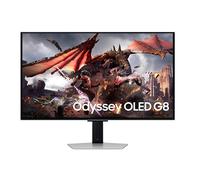
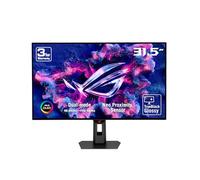
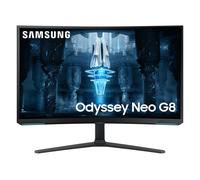



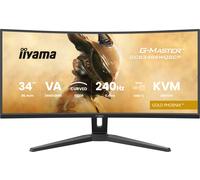







- 1
- 2
- 3
- 4
- 5
- next page
🤖 Ask ChatGPT
Exciting Offers: Buy Your Perfect 240Hz Monitor Today!

Exciting Offers: Buy Your Perfect 240Hz Monitor Today!
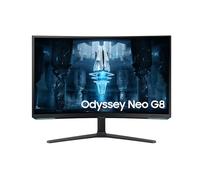
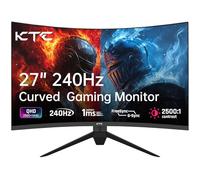
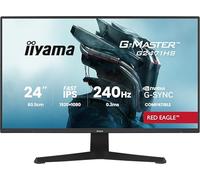
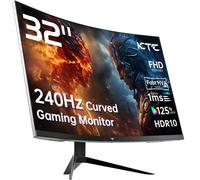
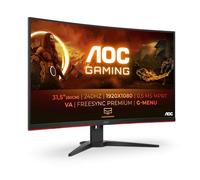
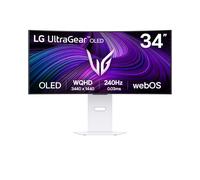
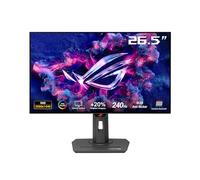
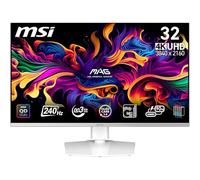
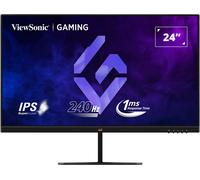
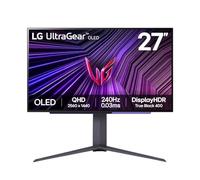
The world of gaming and high-performance computing has reached new heights with the introduction of 240Hz monitors. At pricehunter.co.uk, we offer a diverse range of options that cater to your every need. Whether you’re a hardcore gamer or a professional looking for crisp visuals, finding the right 240Hz monitor can enhance your experience significantly. This buying guide will walk you through the essentials of choosing the perfect monitor, ensuring you make an informed decision that suits your lifestyle and budget.
Understanding 240Hz Monitors
Before diving into the specifics, it’s crucial to understand what a 240Hz monitor is. The refresh rate, measured in hertz (Hz), indicates how many times per second the display refreshes the image. A 240Hz monitor refreshes 240 times each second, resulting in smoother motion and reduced blur. This feature is particularly beneficial for:
- Fast-paced gaming, where every millisecond counts.
- Watching high-frame-rate films, providing a cinema-like experience.
- Graphic design and video editing, where clarity is paramount.
Key Features to Consider
When shopping for a 240Hz monitor, several key features can influence your final choice. Here’s what to look for:
Resolution
Higher resolutions provide sharper images. 240Hz monitors typically come with:
- Full HD (1920 x 1080): Ideal for most gamers.
- Quad HD (2560 x 1440): Perfect balance between detail and performance.
- 4K (3840 x 2160): Offers stunning visuals but may require a powerful GPU.
Panel Type
The type of panel can affect color accuracy, response time, and viewing angles. The main types include:
- TN (Twisted Nematic): Fast response times, but poorer color reproduction.
- IPS (In-Plane Switching): Excellent color accuracy and viewing angles.
- VA (Vertical Alignment): Good contrast ratios, typically in the mid-range.
Adaptive Sync Technology
Look for monitors that support technologies like G-Sync or FreeSync. These features eliminate screen tearing and enhance your gaming experience by synchronizing the monitor’s refresh rate with your GPU’s output.
Price Range and Budgeting Tips
When considering a 240Hz monitor, it’s important to set a budget. Prices can vary significantly based on features and brand. Here are some tips to help you find a cheap yet effective option:
- Compare prices on pricehunter.co.uk to find the best deals.
- Consider refurbished models for substantial savings.
- Watch for seasonal sales and discounts to snag a bargain.
Where to Buy
Buying a 240Hz monitor online offers convenience and a wider selection. Here’s why shopping online at pricehunter.co.uk is advantageous:
- Access to a variety of brands and models all in one place.
- Easy comparison of prices and features to find the best fit.
- Customer service support to answer any queries before you buy.
Setting Up Your 240Hz Monitor
Once you’ve made your purchase, setting up your 240Hz monitor is key to getting the most out of it. Consider the following tips:
- Use high-quality DisplayPort or HDMI cables to ensure optimal performance.
- Adjust the monitor settings to match your preferences for brightness, contrast, and color.
- Utilize the monitor's built-in features, such as gaming modes or customizable profiles.
Final Thoughts on Choosing a 240Hz Monitor
Investing in a 240Hz monitor can dramatically enhance your computing experience. With the right features, budget considerations, and the convenience of online shopping, you are well-equipped to make an informed decision. Dive into the range available at pricehunter.co.uk, and find the perfect monitor that meets your needs. Embrace the future of visuals and gaming today!
How well did the information meet your expectations and assist you further?
 Not at all

 Neutral

 Very much