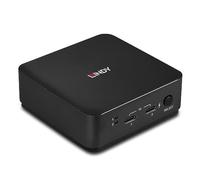
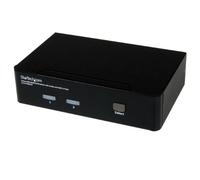
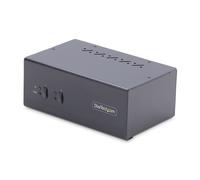
StarTech.com 2 Port USB HDMI KVM Switch / Switcher with Audio and USB 2.0 Hub
£189.20
Amazon-marketplace.co.uk
Delivery from £11.11
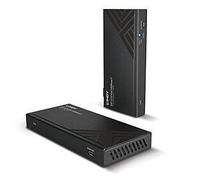
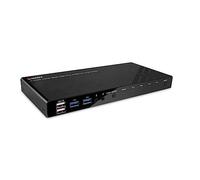
Lindy 150m Cat.6 DisplayPort 1.2 USB IR and RS-232 HDBaseT KVM Extender
£310.04
ebay.co.uk
Free Delivery

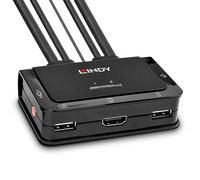
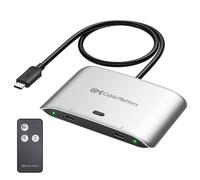
Cable Matters 20Gbps USB C Switch for 2 Computers, 140W PD, Up to 8K@30Hz on Windows, 4K@60Hz on macOS, Sharing One USB-C/Thunderbolt 4 Monitor or Dock (Not for Dock with an Attached Cable)
£54.31
Amazon-marketplace.co.uk
Delivery from £6.70
StarTech.com Adjustable Rackmount DIN Rail Kit with Top Hat/Mini/G Rails
£270.99
backtotheoffice.co.uk
Free Delivery

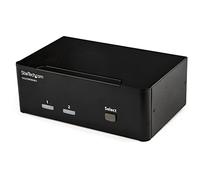
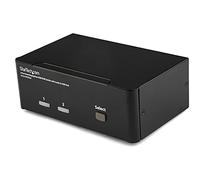
StarTech.com 2-Port DisplayPort Dual-Monitor KVM Switch - 4K 60Hz
£282.97
Serversdirect.co.uk
Delivery from £6.95



StarTech.com 8 Port 1U Rackmount USB KVM Switch Kit with OSD and Cables
£354.97
Laptopsdirect.co.uk
Delivery from £6.95


ATEN USB - VGA to Cat5e/6 KVM Adapter Cable (CPU Module) with Virtual Media Support
£167.99
backtotheoffice.co.uk
Free Delivery
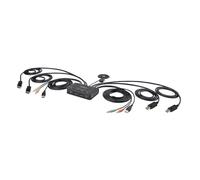
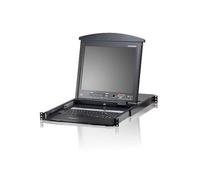

StarTech.com 2 Port DVI VGA Dual Monitor KVM Switch USB with Audio & USB 2.0 Hub
£36.80
Amazon-marketplace.co.uk
Free Delivery


StarTech.com 2 Port Triple Monitor DVI USB KVM Switch with Audio & USB 2.0 Hub
£280.27
Amazon-marketplace.co.uk
Free Delivery
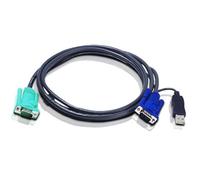


Aten 3.0m USB KVM Cable for CS1732A/CS1734A/CS1754/CS1758 Switches
£24.26
Amazon-marketplace.co.uk
Free Delivery


StarTech.com 4 Port Dual DVI USB KVM Switch with Audio & USB 2.0 Hub
£268.97
amazon.co.uk
Free Delivery
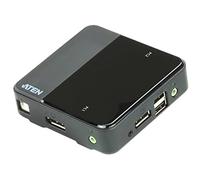
ATEN USB DisplayPort/Audio 2 Port KVM Switch CS782DP 4K UHD (3840 × 2160 @ 60 Hz) 4K DCI (4096 x 2160 @ 60 Hz), support Windows, Mac, Sun, and Linux, UK, 1 KVM Market Leader
£178.52
Amazon-marketplace.co.uk
Free Delivery
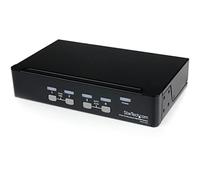
StarTech.com 2 Port DVI USB KVM Switch with Audio and USB 2.0 Hub
£85.00
Amazon-marketplace.co.uk
Free Delivery
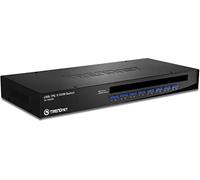

StarTech.com 6 ft 4-in-1 USB DVI KVM Cable with Audio and Microphone - DVI KVM Cable - USB KVM Cable - KVM Switch Cable (USBDVI4N1A6)
£13.81
amazon.co.uk
Delivery from £4.49

InLine 62622I KVM Desktop Switch 2-Gang HDMI USB 3.0 Hub with Audio
£111.04
Amazon-marketplace.co.uk
Delivery from £54.89

Startech.com 2-port Kvm Switch with Dual Vga - Usb 2.0 Kvm Switch
£84.99
Amazon-marketplace.co.uk
Free Delivery
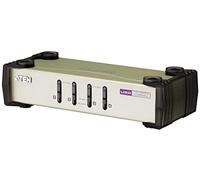


StarTech.com 4 Port HDMI KVM Switch - 4K 30Hz - Dual Display
£533.73
Amazon-marketplace.co.uk
Delivery from £15.26
- 1
- 2
- 3
- 4
- 5
- next page
🤖 Ask ChatGPT
🛍️ What are the most important purchase criteria?
💰 Tell me the best deals!
📋 Create a short summary!
Exciting Offers to Buy KVM Products Online
Reference:
amazon.co.uk
Exciting Offers to Buy KVM Products Online
When it comes to managing multiple computers with ease, the variety of KVM (Keyboard, Video, Mouse) solutions available at pricehunter.co.uk cannot be overlooked. From basic to advanced models, the selection is vast, catering to every user’s unique needs. With products like kvm switches, you can effectively control several computers from a single set of peripherals, simplifying your workspace and enhancing productivity.Understanding KVM Basics
Before diving into the purchasing process, it’s essential to grasp what KVM products are and how they function. At its core, KVM technology allows users to switch between different computers using just one keyboard, monitor, and mouse. This is particularly useful for those who operate multiple systems simultaneously—be it for gaming, programming, or server management. Knowing the variety of options available will help you make an informed decision on which KVM product best suits your requirements.Types of KVM Products
The KVM market is diverse, with several categories to choose from, each designed to serve different purposes:- KVM Switches: These devices enable users to manage multiple computers with a single set of peripherals. Models vary by the number of ports and supported resolutions.
- KVM Over IP: This option allows remote access to computers via the internet, perfect for IT managers overseeing multiple systems from different locations.
- USB KVM Switches: Ideal for users who want to connect USB peripherals, these switches are easy to set up and can be a cost-effective solution.
- HDMI KVM Switches: If your setup requires high-definition video quality, HDMI switches are the way to go, supporting resolutions suitable for modern displays.
Key Features to Consider
When browsing for KVM products, certain features can make all the difference in your experience:- Number of Ports: Determine how many computers you need to control. Ensure the KVM switch has enough ports to accommodate your needs.
- Resolution Support: Check the maximum resolution each model supports, especially if you work with high-definition displays.
- Hotkey Switching: This feature allows you to switch between computers using keyboard shortcuts, enhancing convenience.
- Audio Support: Some KVMs come with audio support, which can be beneficial if you need to switch audio between systems.
Shopping for KVM Products
With the essential features in mind, it's time to explore where to buy KVM products. Online shopping opens up an array of options, allowing you to compare prices and specifications effortlessly. At pricehunter.co.uk, you can find competitive pricing, ensuring you get the best deal possible on quality products. Here are some tips to help you snag a great buy:- Compare Prices: Use our comparison tools to see different listings for the same product, helping you find the cheapest option available.
- Look for Discounts: Keep an eye out for seasonal sales or promotional codes that can further reduce costs.
- Read Descriptions Carefully: Ensure the product specifications meet your requirements before making a purchase.
Installation and Setup Tips
Once you've made your purchase, setting up your KVM product should be straightforward. Here’s a quick checklist to follow:- Read the Manual: Each KVM product may have specific installation instructions; it's best to familiarize yourself with them.
- Connect Your Devices: Start by connecting your keyboard, monitor, and mouse to the KVM switch, then attach your computers.
- Test Functionality: Before finalizing your installation, test each computer connection to ensure everything is functioning correctly.
Maximizing Your KVM Experience
To get the most out of your KVM switch, consider the following:- Regular Updates: Keep your KVM firmware updated to ensure optimal performance and access to new features.
- Organize Cables: A tidy workspace can enhance your productivity, so manage your cables effectively to avoid clutter.
- Utilize Shortcut Features: Make use of any available hotkeys or software for switching between systems quickly.
How well did the information meet your expectations and assist you further?
 Not at all

 Neutral

 Very much
Don't forget your voucher code:
Report Illegal Concerns
You are about to report a violation based on the EU Digital Services Act (DSA).