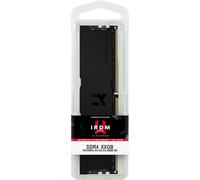
£271.97
ebay.co.uk
Delivery from £20.00
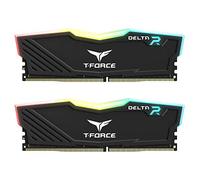
£227.25
Amazon-marketplace.co.uk
Delivery from £5.96
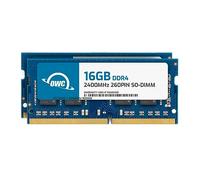
£280.49
Amazon-marketplace.co.uk
Free Delivery

£309.81
ebay.co.uk
Delivery from £20.00
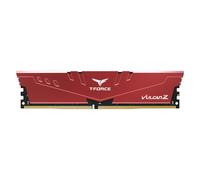
£256.99
backtotheoffice.co.uk
Free Delivery

£233.14
Amazon-marketplace.co.uk
Free Delivery
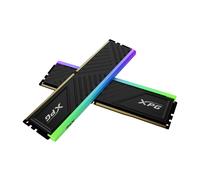
£230.99
backtotheoffice.co.uk
Free Delivery
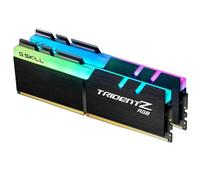
£300.29
Amazon-marketplace.co.uk
Free Delivery
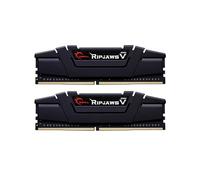
£292.19
Amazon-marketplace.co.uk
Free Delivery

£130.99
ebay.co.uk
Free Delivery

£296.10
Amazon-marketplace.co.uk
Free Delivery
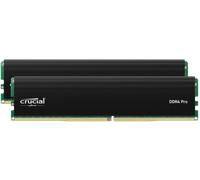
£229.99
awd-it.co.uk
Free Delivery

£239.91
Amazon-marketplace.co.uk
Delivery from £5.73
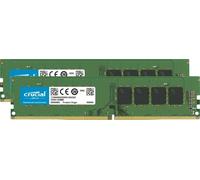
£258.72
ebay.co.uk
Delivery from £20.00
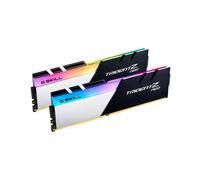
£309.33
ebay.co.uk
Delivery from £20.00
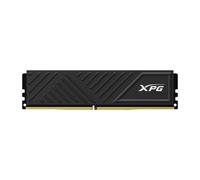
£216.99
backtotheoffice.co.uk
Free Delivery

£244.99
Amazon-marketplace.co.uk
Free Delivery
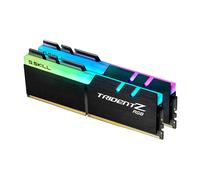
£304.13
ebay.co.uk
Delivery from £20.00
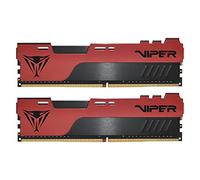
£275.58
Amazon-marketplace.co.uk
Free Delivery
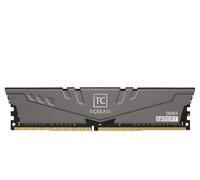
Team Group TTCED432G3600HC18JDC01 memory module 32 GB 2 x 16 GB DDR4 3600 MHz
£321.16
ebay.co.uk
Delivery from £20.00

£249.99
awd-it.co.uk
Free Delivery

£302.28
Amazon-marketplace.co.uk
Free Delivery
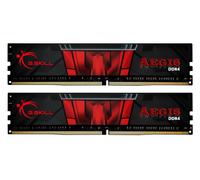
£243.11
ebay.co.uk
Delivery from £20.00
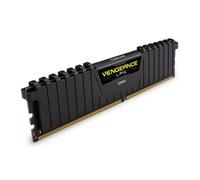
£333.93
ebay.co.uk
Delivery from £20.00
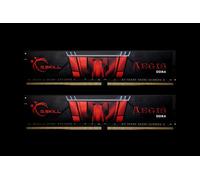
£270.07
ebay.co.uk
Delivery from £20.00
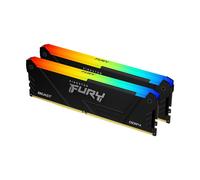
Kingston Technology FURY Beast RGB memory module 32 GB 2 x 16 GB DDR4 3600 MHz
£327.78
ebay.co.uk
Delivery from £20.00
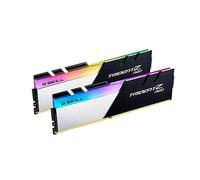
£327.31
ebay.co.uk
Delivery from £20.00
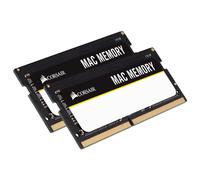
£335.82
ebay.co.uk
Delivery from £20.00
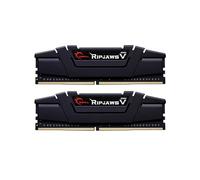
£218.72
Amazon-marketplace.co.uk
Free Delivery
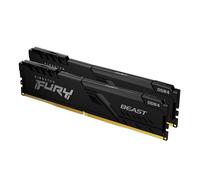
£299.99
overclockers.co.uk
Delivery from £3.99
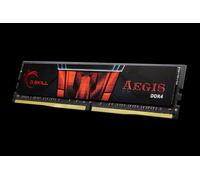
£239.80
ebay.co.uk
Delivery from £20.00
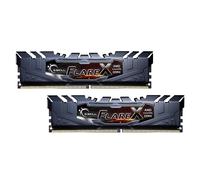
£284.26
ebay.co.uk
Delivery from £20.00

£237.99
Amazon-marketplace.co.uk
Free Delivery

£346.89
Amazon-marketplace.co.uk
Delivery from £21.30
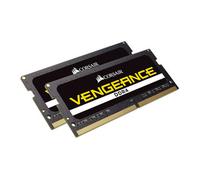
£274.62
Amazon-marketplace.co.uk
Free Delivery

£309.55
Amazon-marketplace.co.uk
Free Delivery
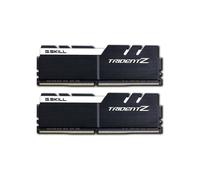
£1,200.26
onbuy.com
Free Delivery
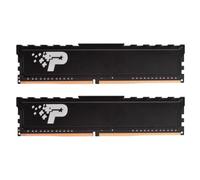
£305.14
Amazon-marketplace.co.uk
Free Delivery
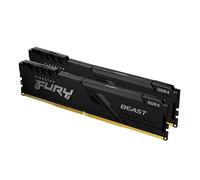
£266.29
ebay.co.uk
Delivery from £20.00
£254.95
Amazon-marketplace.co.uk
Free Delivery
- 1
- 2
- 3
- 4
- 5
- next page
🤖 Ask ChatGPT
🛍️ What are the most important purchase criteria?
💰 Tell me the best deals!
📋 Create a short summary!
Buy Amazing Offers on 32GB (2x16) RAM DDR4
Reference:
ebay.co.uk
Buy Amazing Offers on 32GB (2x16) RAM DDR4
When it comes to enhancing your computer's performance, nothing compares to the excitement of upgrading to 32GB (2x16) RAM DDR4. At pricehunter.co.uk, we pride ourselves on offering a diverse selection of RAM options that cater to every budget and need. With our extensive range of products, you're bound to find the perfect memory upgrade that suits your requirements. Explore our fabulous selection of RAM and take your system to the next level!Understanding 32GB (2x16) RAM DDR4
32GB (2x16) RAM DDR4 refers to a dual-channel memory kit that consists of two 16GB modules. This configuration not only increases the overall memory capacity but also optimizes performance through dual-channel architecture. By pairing two identical modules, users can take full advantage of the increased bandwidth and improved data flow, perfect for multitasking, gaming, and content creation.Why Choose 32GB RAM?
Upgrading to 32GB RAM is a game-changer for anyone who uses their computer for demanding applications. Here’s why you should consider making the switch:- Enhanced Multitasking: With 32GB of RAM, you can run multiple applications simultaneously without experiencing lag or slowdowns.
- Future-Proofing: As software becomes increasingly resource-hungry, having 32GB RAM ensures your system remains capable of handling future demands.
- Improved Gaming Experience: For gamers, more RAM means smoother gameplay, faster load times, and better overall performance in intensive games.
- Optimized for Content Creation: Video editing, graphic design, and 3D modeling software will run more efficiently with 32GB RAM, allowing for faster rendering and seamless workflows.
Choosing the Right DDR4 RAM
When shopping for 32GB (2x16) RAM DDR4, consider the following factors to ensure you make the right purchase:- Speed: DDR4 RAM comes in various speeds (measured in MHz). Look for speeds that match or exceed your motherboard’s specifications, typically ranging from 2400MHz to 3600MHz.
- Latency: Lower latency values can lead to better performance. Look for RAM with CL (CAS latency) values that are as low as possible.
- Brand Compatibility: Ensure that the RAM is compatible with your motherboard. Brands like Corsair, G.Skill, and Kingston often provide reliable options.
- Heat Spreaders: Some modules come with heat spreaders to help dissipate heat during intense tasks, which can enhance longevity and performance.
Where to Buy 32GB (2x16) RAM DDR4 Online
Finding the best deals on 32GB (2x16) RAM DDR4 is easier than ever with pricehunter.co.uk. Our platform allows you to compare prices from various online retailers, making it simple to find cheap options that fit your budget. Here are a few tips for a successful purchase:- Check for Discounts: Keep an eye out for seasonal sales or promotional offers that can help you save money on your purchase.
- Compare Prices: Use our price comparison tool to find the best prices available online. Remember, the cheapest option may not always be the best quality.
- Read Product Specifications: Ensure that you carefully read the product descriptions and specifications before purchasing to avoid compatibility issues.
- Return Policy: Familiarize yourself with the return policies of retailers to ensure peace of mind in case the product doesn’t meet your expectations.
Installing Your New 32GB (2x16) RAM DDR4
Once you’ve made your purchase, installing your new RAM is a straightforward process. Here are some tips to help you get started:- Gather Tools: You’ll typically need a Phillips screwdriver and an anti-static wrist strap to safely handle the components.
- Power Down Your System: Always turn off and unplug your computer before beginning the installation process.
- Access the Motherboard: Open your computer case to access the motherboard. If you’re unsure how to do this, refer to your motherboard’s manual.
- Install RAM Modules: Align the notches on the RAM module with the slots on your motherboard. Firmly press down until the clips snap into place.
- Reassemble Your Case: Once installed, close the case and plug your computer back in. Boot up your system to ensure everything is functioning properly.
How well did the information meet your expectations and assist you further?
 Not at all

 Neutral

 Very much
Don't forget your voucher code:
Report Illegal Concerns
You are about to report a violation based on the EU Digital Services Act (DSA).