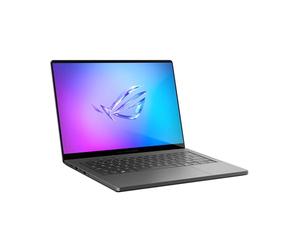
ASUS ROG Zephyrus G14 GA403UM-QS006W | 14" | AMD Ryzen 9 270 | 16GB RAM | 1TB SSD | NVIDIA GeForce RTX 5060 | Windows OS | QWERTY Keyboard
£1,752.06
Amazon-marketplace.co.uk
Free Delivery
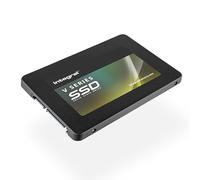
Integral V Series S 1TB Internal Solid State Drive (SSD) - 2.5" SATA III (6Gb/s), Up to 540MB/s Read and 500MB/s Write Speeds for Desktop and Laptop
£115.95
Amazon-marketplace.co.uk
Free Delivery
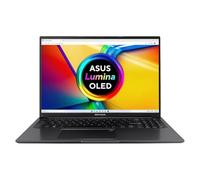
ASUS Vivobook 16 X1605VA Laptop | 16.0" WUXGA 16:10 Screen | Intel i5-13420H | 16GB RAM | 1TB PCIe SSD | Windows 11 | Black
£749.00
Amazon-marketplace.co.uk
Free Delivery
£455.00
Amazon-marketplace.co.uk
Free Delivery

ASUS ROG ZEPHYRUS-G14-GA403WM-DR4W Gaming Laptop 14" 3K 120Hz AMD Ryzen AI 9 32GB RAM 1TB SSD Nvidia GeForce RTX 5060 White
£2,629.36
Amazon-marketplace.co.uk
Delivery from £10.00

£179.99
Amazon-marketplace.co.uk
Free Delivery
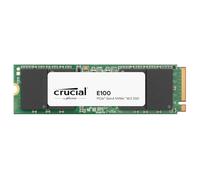
£139.67
Amazon-marketplace.co.uk
Free Delivery
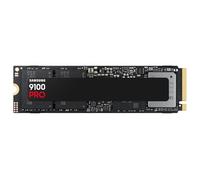
£214.67
Amazon-marketplace.co.uk
Free Delivery
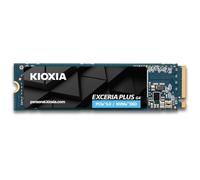
£175.99
laptopoutlet.co.uk
Delivery from £4.95
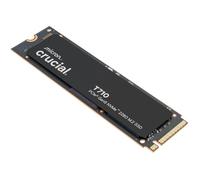
£174.99
amazon.co.uk
Free Delivery
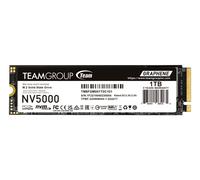
£142.99
laptopoutlet.co.uk
Delivery from £4.95
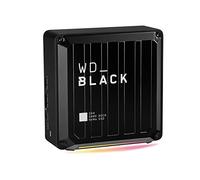
£165.00
Amazon-marketplace.co.uk
Free Delivery
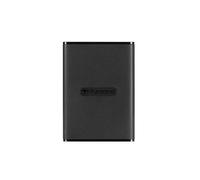
£212.65
Amazon-marketplace.co.uk
Delivery from £15.26

£167.16
Amazon-marketplace.co.uk
Free Delivery
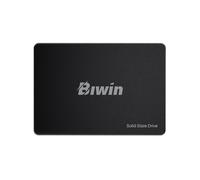
£79.99
ebay.co.uk
Free Delivery

£179.95
Amazon-marketplace.co.uk
Free Delivery

£119.99
Amazon-marketplace.co.uk
Free Delivery
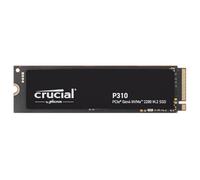
£149.99
amazon.co.uk
Free Delivery
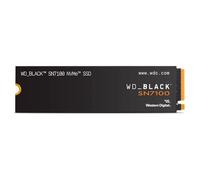
£139.99
amazon.co.uk
Free Delivery

£145.00
GBP 145.00 / Unit
ebay.co.uk
Free Delivery
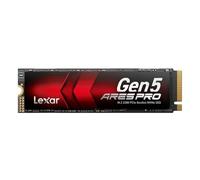
Lexar ARES PRO 1TB Gen5 NVME M.2 SSD, PCIe 5.0 x 4 Internal SSD, Up to 14,000 MB/s Read, for AI Applications, AAA Gaming, Video Editing, Compatible with PC, Laptops & PS5, 5 Year Limited Warranty
£159.99
Amazon-marketplace.co.uk
Free Delivery
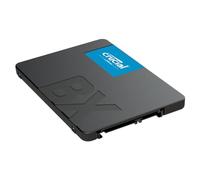
£149.99
amazon.co.uk
Free Delivery
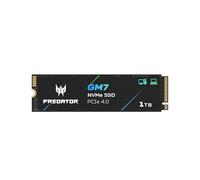
£137.99
Amazon-marketplace.co.uk
Free Delivery
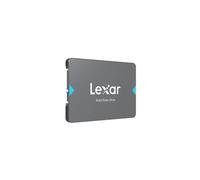
£119.99
studio.co.uk
Delivery from £4.99
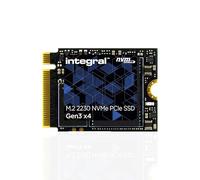
£259.69
Amazon-marketplace.co.uk
Free Delivery
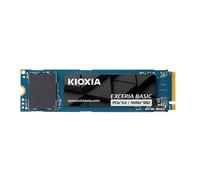
£157.99
Amazon-marketplace.co.uk
Free Delivery
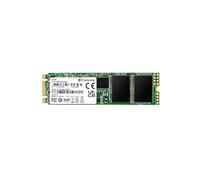
£302.00
Amazon-marketplace.co.uk
Delivery from £20.00
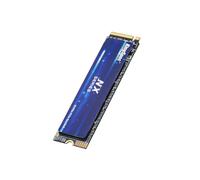
£119.99
Amazon-marketplace.co.uk
Free Delivery
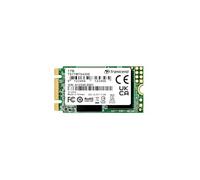
£328.46
Amazon-marketplace.co.uk
Delivery from £5.29

£159.99
amazon.co.uk
Free Delivery

£135.99
Amazon-marketplace.co.uk
Free Delivery
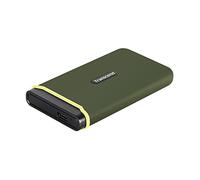
£277.00
Amazon-marketplace.co.uk
Delivery from £20.00
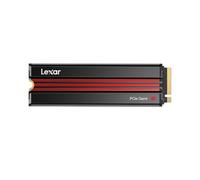
Lexar EQ790 1TB SSD with Heatsink, M.2 2280 PCIe Gen4x4 NVMe 1.4 Internal SSD, Up to 7,000MB/s Read, High-Performance Storage Internal Solid State Drive for PS5, PC, Laptop, Gamers
£149.99
Amazon-marketplace.co.uk
Free Delivery
£171.29
Amazon-marketplace.co.uk
Delivery from £5.34
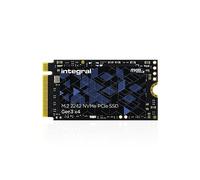
Integral 1TB M.2 NVMe 2242 PCIe Gen3 x4 SSD - READ speed up to 3400MB/s, WRITE speed up to 3000MB/s - Internal Solid State Drive. PC, NUC, Ultra-thin laptop and tablet compatible
£266.81
Amazon-marketplace.co.uk
Free Delivery

£227.51
Amazon-marketplace.co.uk
Free Delivery
£184.09
Amazon-marketplace.co.uk
Delivery from £8.64
£276.23
Amazon-marketplace.co.uk
Free Delivery

£129.99
Ebuyer.com (UK)
Delivery from £4.99
- 1
- 2
- 3
- 4
- 5
- next page
🤖 Ask ChatGPT
🛍️ What are the most important purchase criteria?
💰 Tell me the best deals!
📋 Create a short summary!
Buy Laptop SSD 1TB Offers
Reference:
Amazon-marketplace.co.uk
Buy Laptop SSD 1TB Offers
When it comes to enhancing your laptop's performance, investing in a 1TB SSD is a fantastic choice. At pricehunter.co.uk, we offer a diverse range of options that cater to various budgets and preferences. With the rising demand for faster data access and improved storage efficiency, you can easily find the SSD that fits your needs at a competitive price. Dive into this guide to understand everything you need to know before making your purchase.Understanding Laptop SSDs
Solid State Drives (SSDs) are storage devices that use NAND-based flash memory. Unlike traditional Hard Disk Drives (HDDs), SSDs have no moving parts, making them faster, more durable, and less prone to mechanical failures. When considering a 1TB SSD for your laptop, you'll enjoy quicker boot times, faster file transfers, and improved overall system responsiveness.Price Range for 1TB Laptop SSDs
The price of a 1TB SSD can vary significantly based on several factors, including brand, technology, and read/write speeds. Generally, you can expect to find options starting from around £50 and ranging up to £150 or more for high-end models. Here’s a brief breakdown of what influences the price:- Brand: Well-known brands may command higher prices due to their reputation for quality and reliability.
- Technology: SATA SSDs are usually cheaper, while NVMe SSDs, which offer faster speeds, can be more expensive.
- Read/Write Speeds: Higher speeds typically lead to higher prices, so consider your needs before buying.
Where to Buy a 1TB Laptop SSD
Finding the right place to buy your 1TB SSD is crucial for getting the best deal. Online shopping provides a convenient way to compare prices from various retailers. Here are some tips for making your purchase:- Price Comparison: Utilize tools like pricehunter.co.uk to compare prices across multiple platforms, ensuring you don’t miss out on the best deals.
- Online Retailers: Many reputable online retailers offer competitive prices. Look out for seasonal sales, discounts, and promotions.
- Manufacturer Websites: Sometimes, manufacturers provide exclusive offers, so it’s worth checking their official sites.
Key Features to Consider
When selecting a 1TB SSD, focus on the features that impact performance and longevity. Here’s what to look for:- Interface: Most laptops support either SATA or NVMe interfaces. NVMe provides faster data transfer rates, making it the ideal choice for power users.
- Endurance Rating: This indicates how long the SSD will last. Look for drives with higher TBW (Terabytes Written) ratings for better durability.
- Warranty: A longer warranty often reflects the manufacturer’s confidence in their product. Look for SSDs with at least a 3-year warranty.
Why Upgrade to a 1TB SSD?
Upgrading to a 1TB SSD can significantly enhance your laptop's performance. Here’s why you should consider making the switch:- Speed: SSDs can drastically reduce boot times and application load times, allowing you to work and play more efficiently.
- Storage Space: With 1TB, you'll have ample space for all your applications, files, games, and media, reducing the need for external storage.
- Energy Efficiency: SSDs consume less power compared to traditional HDDs, leading to improved battery life on laptops.
Best Practices for SSD Care
Maintaining your SSD can ensure its longevity and optimal performance. Here are some best practices:- Keep Firmware Updated: Manufacturers often release firmware updates to improve performance and security. Make sure to check for updates regularly.
- Avoid Filling Up: Try to leave some space free on the SSD. Performance can degrade if the drive is nearly full.
- Use TRIM Command: Ensure that TRIM is enabled on your SSD. This helps the drive manage space more efficiently.
How well did the information meet your expectations and assist you further?
 Not at all

 Neutral

 Very much
Don't forget your voucher code:
Report Illegal Concerns
You are about to report a violation based on the EU Digital Services Act (DSA).